Custom Property API
Built a custom property API from scratch using JSON, Node.js, and Express to serve real estate data tailored to the app’s wireframe and feature requirements.
Team Project · Mobile App · 2024
A mobile real estate app built around a custom property API, enabling listing discovery, filtering, detailed property views, and saved favorites through a structured end-to-end data flow.
Role
Frontend & Backend Development
Timeline
2024

React Native

Node.js

Express

JavaScript

Heroku
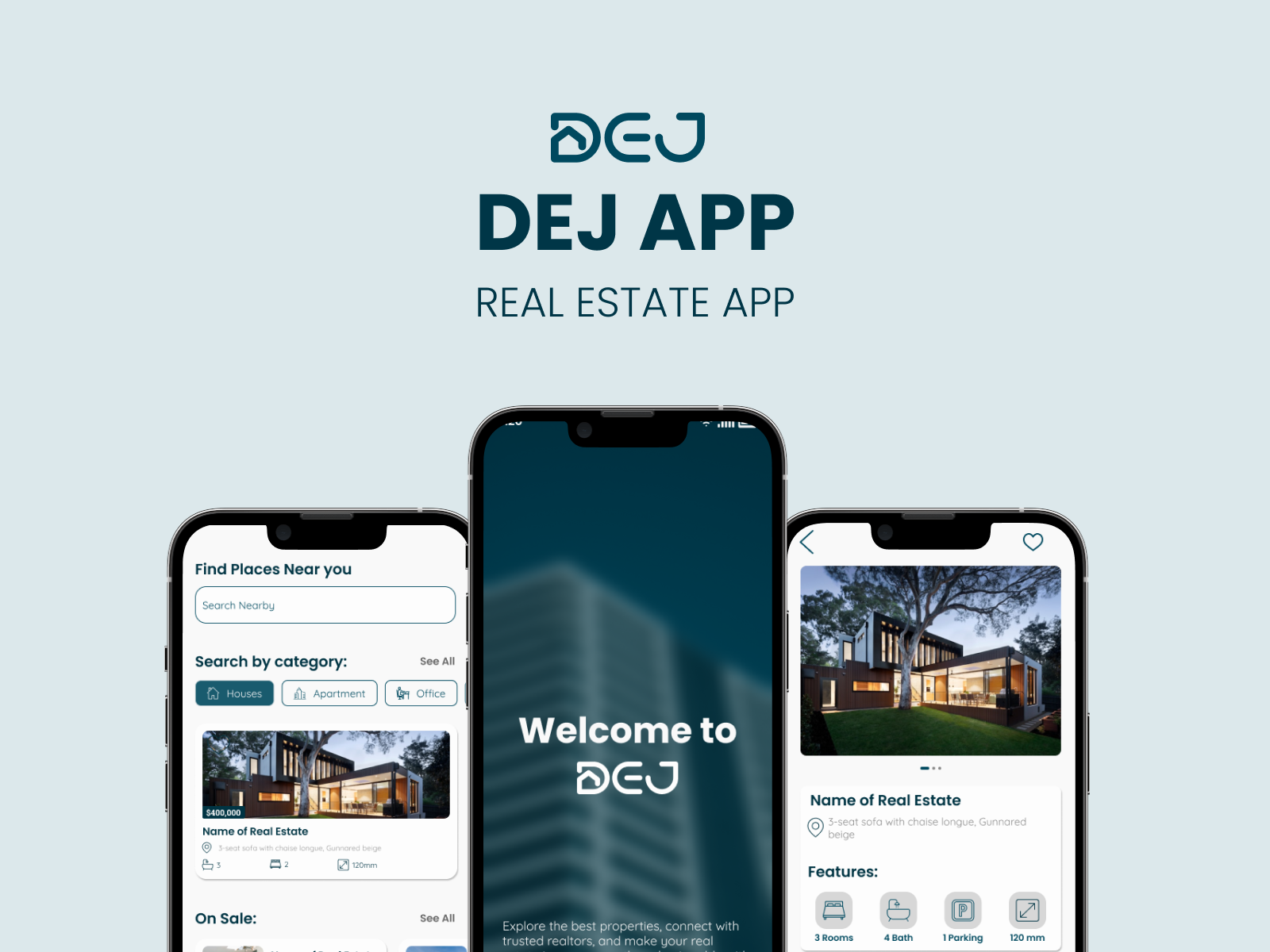
The project required reliable real estate listing data, but suitable free APIs were limited and did not align well with the product’s wireframe or feature needs. To move forward, the team needed a way to control the property schema, shape the dataset, and support features like category filtering, on-sale listings, and detail-based property browsing.
To solve this, I built a custom property API using a structured JSON dataset, Node.js, and Express, then deployed it for live access. This created a controlled backend data source for the mobile app and supported a smoother frontend experience with property browsing, category filters, sale sections, detail fetching, and locally saved favorites.
Built a custom property API from scratch using JSON, Node.js, and Express to serve real estate data tailored to the app’s wireframe and feature requirements.
Connected the mobile app to the live API using Axios and useEffect, enabling dynamic data fetching for listing views and property details.
Developed browsing experiences with category filtering, on-sale property sections, and detail screens to make listings easier to explore.
Implemented persistent liked-property storage with AsyncStorage so users could save and manage listings across sessions.
A custom API was the best choice because free real estate APIs did not offer the flexibility or structure the project needed. Building the API internally made it possible to fully control the data model and support the UI more precisely.
Node.js and Express provided a simple and efficient way to expose JSON-based property data through REST endpoints that the app could consume reliably.
AsyncStorage was used to persist liked listings on the device, making the save experience lightweight and practical without requiring user authentication.
Problem
The team initially looked for a free real estate API, but available options were either limited or not suitable for the app’s required data structure.
Approach
I created a custom property dataset and built a Node.js and Express API to serve that data in a format aligned with the UI and wireframe.
Result
This gave the project a reliable and flexible backend data source while strengthening the end-to-end architecture.
Problem
The app needed to clearly show whether a property had already been liked while keeping saved items persistent.
Approach
Used AsyncStorage with item existence checks and toggle logic to sync liked state between the UI and local storage.
Result
Users could save and remove listings confidently, with the interface reflecting the correct state consistently.
Building a custom API gave the project full control over listing structure, fields, and frontend compatibility.
The custom backend made it easier to support the exact browsing, filtering, and detail-view experience defined by the wireframe.
The project connected backend API creation, deployment, frontend integration, and local persistence into one complete workflow.
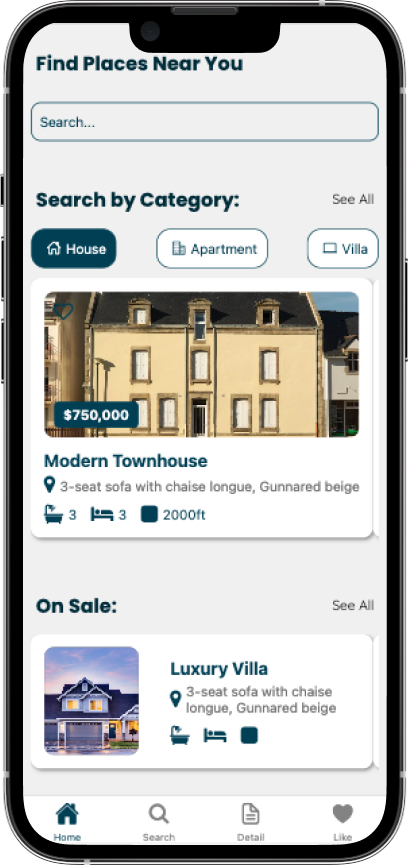
Built a category-based filtering flow on the home screen so users can quickly narrow listings by property type.
Built a category-based filtering flow on the home screen so users can quickly narrow listings by property type.
© 2025 Yooran Kim. All right reserved.
Built using Next.js, Typescript, Tailwind CSS and Framer Motion :)